ARQDIS Formularios
A form builder for the ARQDIS website that replaced the outside form platforms it had used for years: eleven public forms wired to Notion, WordPress and Dropbox, with a review step before anything is published.
- Client
- ARQDIS, Universidad de los Andes
- Role
- Design and development in WordPress
- Year
- 2026
- Stack
- WordPress, Notion API, Dropbox API, JavaScript
The brief
ARQDIS, the Faculty of Architecture and Design at Universidad de los Andes, gets most of its website content through forms: events, classifieds, course pages, faculty profiles, awards, research projects, the Estrella ARQDIS yearbook, continuing education and alumni stories. For years they ran on outside form platforms, the latest one feeding Notion, with options typed by hand (seven course dropdowns, one per program) that kept going stale, and every approved answer then had to be copied into WordPress by hand.
The forms
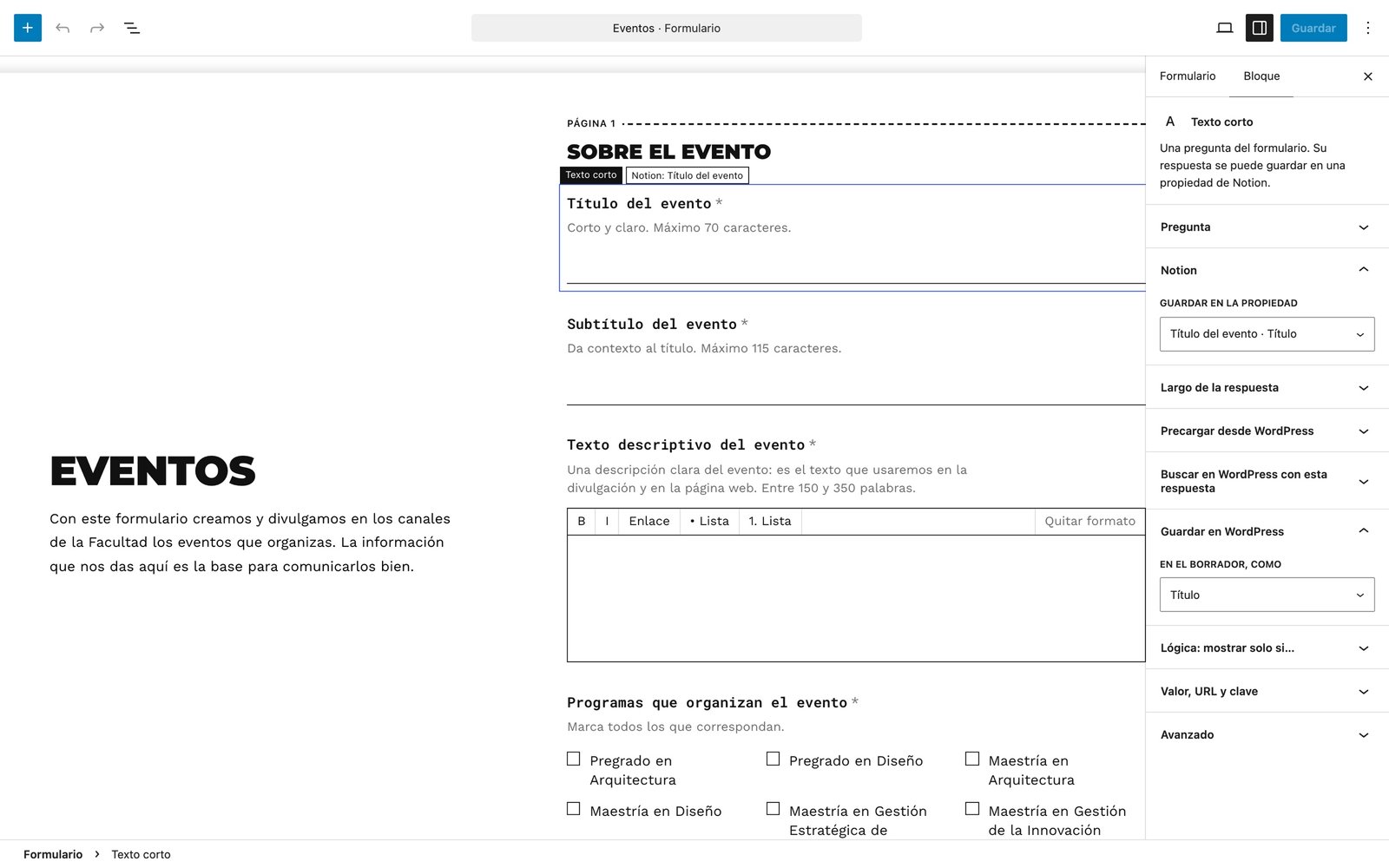
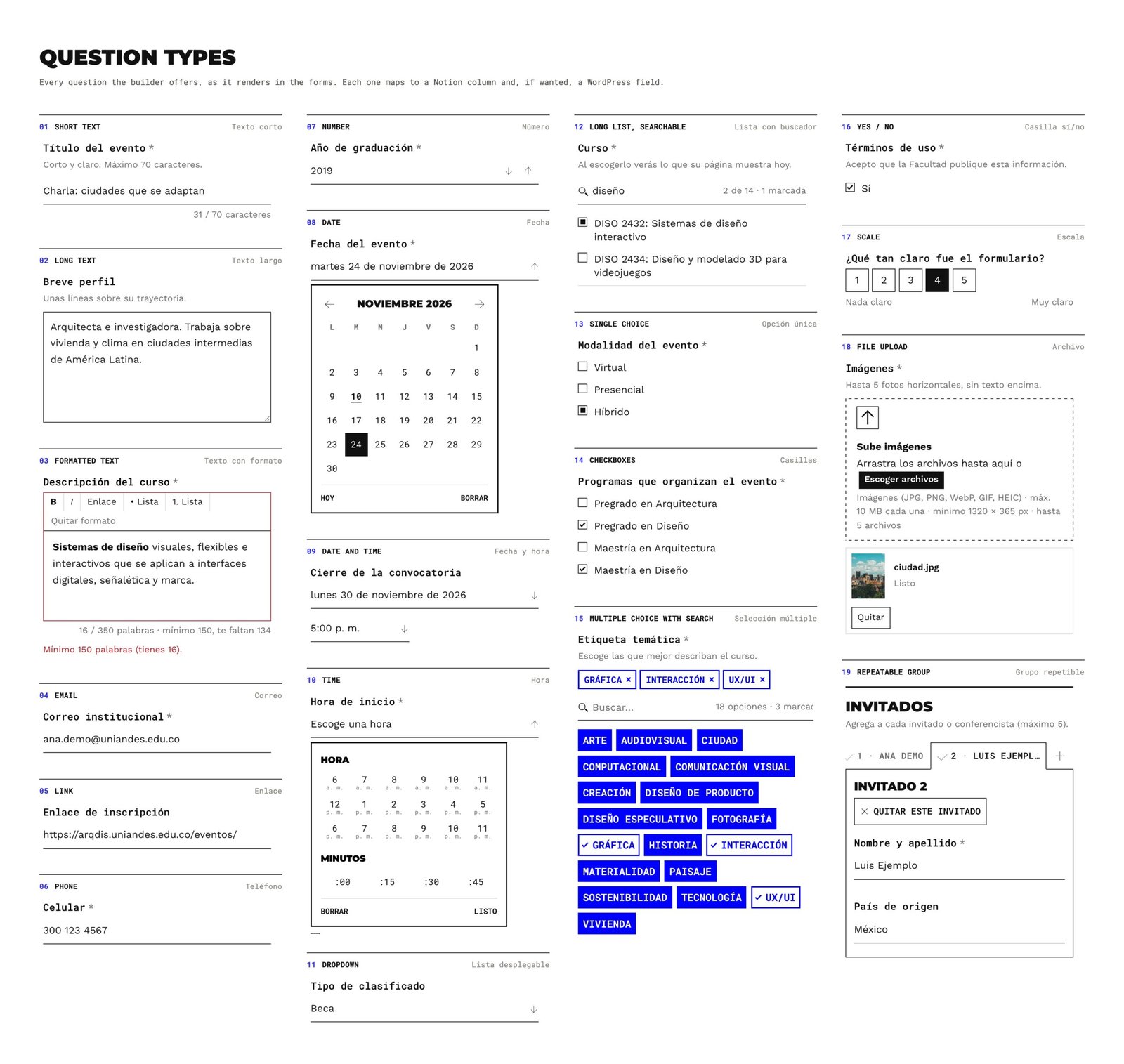
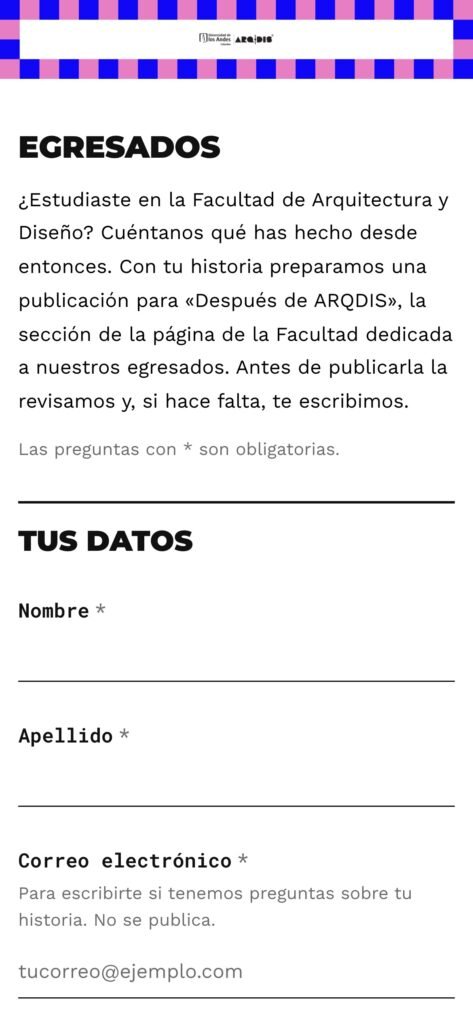
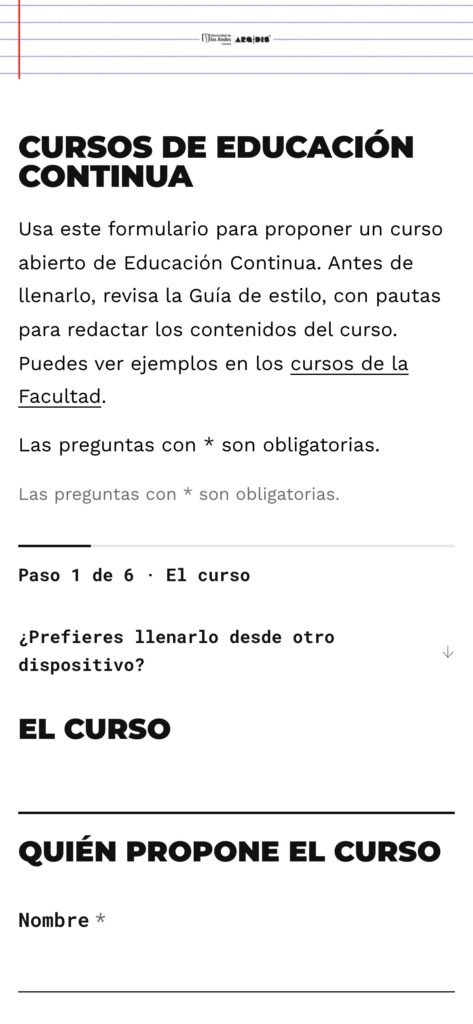
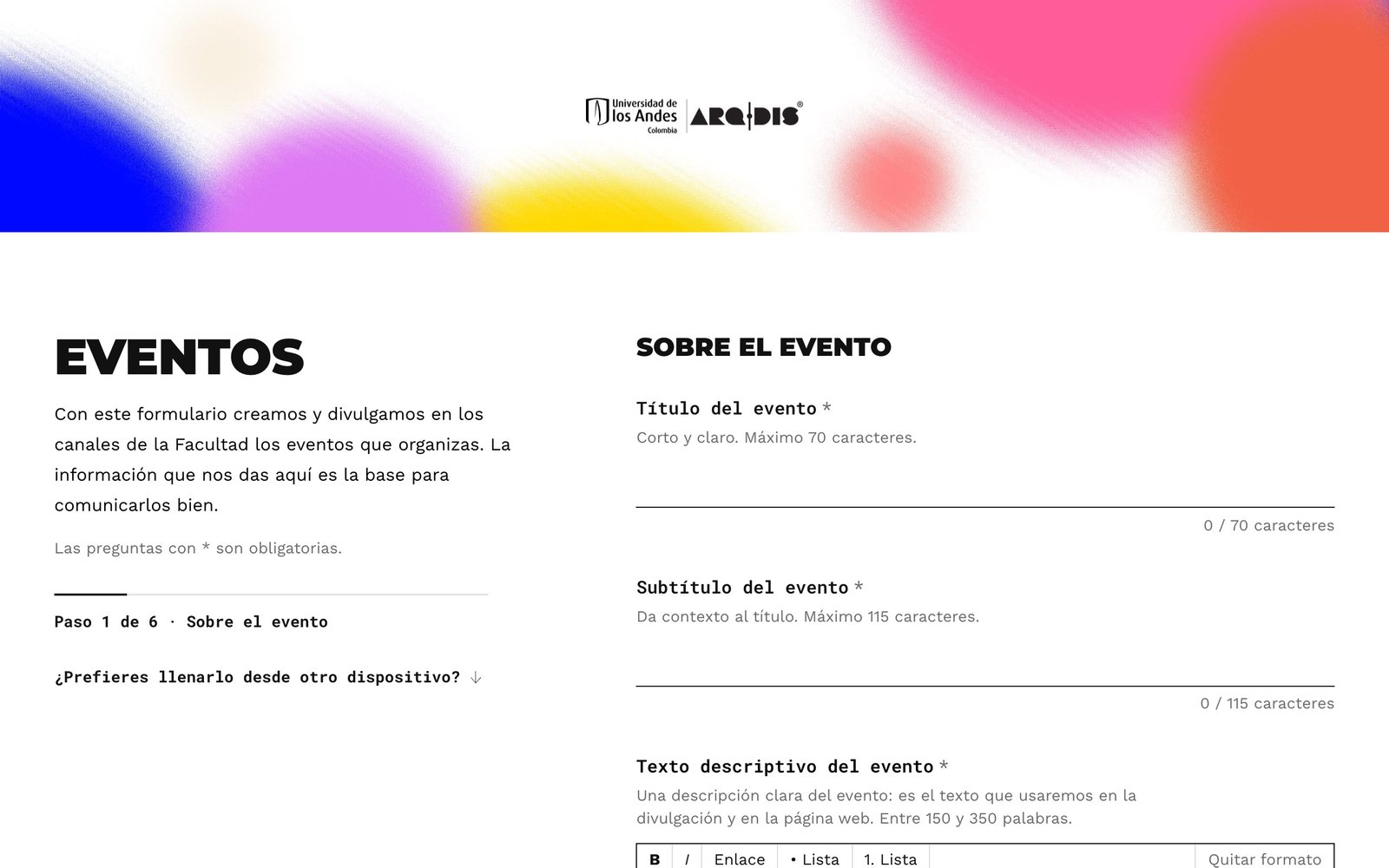
Eleven forms now live on the site itself, each at its own address and built in the WordPress block editor: every question is a block, and its type, help text, show-if rules and destination are set in the sidebar. There are nineteen kinds of question, from formatted text and a calendar to searchable lists, a scale and file uploads.
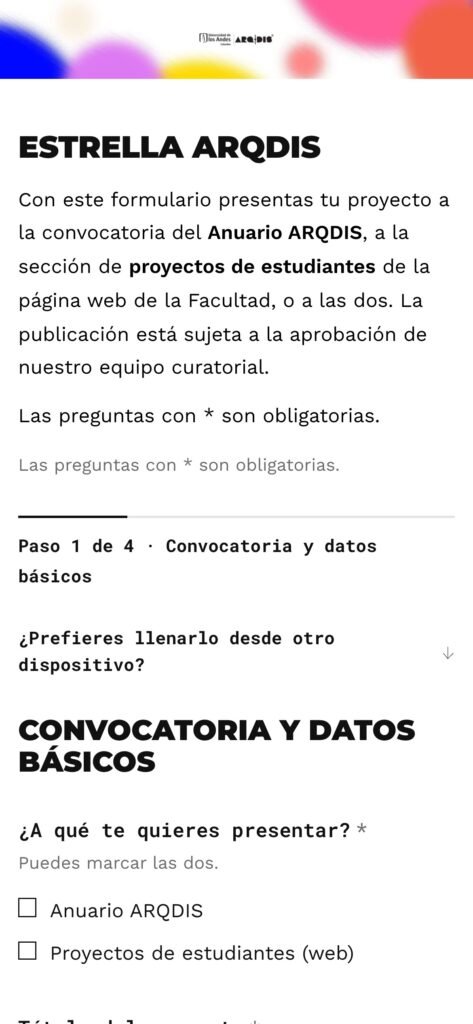
The forms run in steps with a progress line, check each answer as soon as you leave it (an end date can’t come before the start, an email has to be institutional when the form asks), keep a draft in the browser and work as well on a phone as on a laptop. Guests and professors are added as tabs instead of long numbered lists, and images are shrunk to 1 MB in the browser before they upload, except the print originals for the yearbook.
The integrations
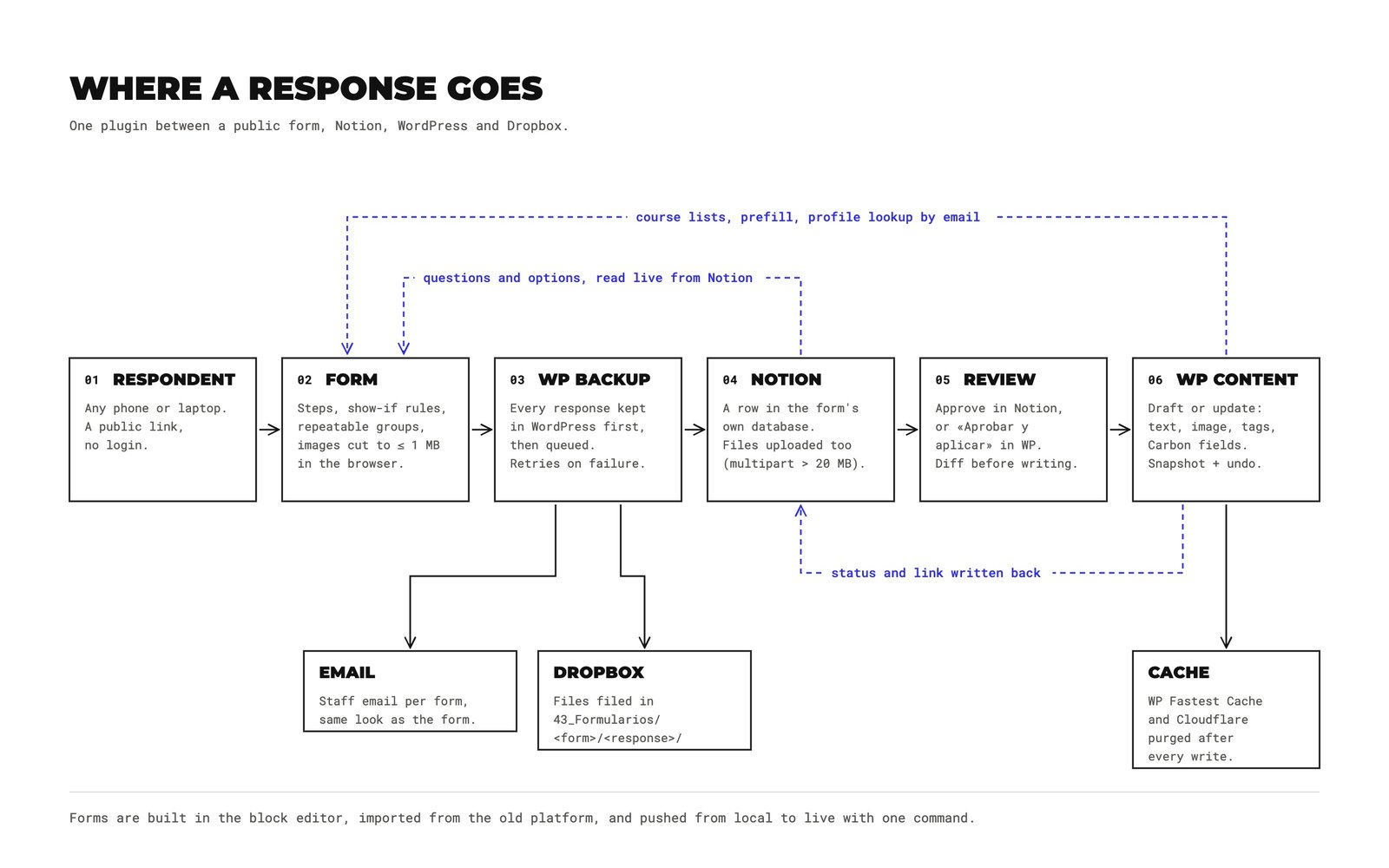
Notion. A form can be generated from a Notion database: each column becomes a question of the matching type, and option lists are read live, so a new program or tag added in Notion shows up in the form without touching it. Every response arrives as a row with its files, and the team reviews it there.
WordPress. Questions can take their options from the site itself, like the courses of the chosen program. Picking a course loads what its page shows today (description, image and tags) and flags what’s missing, and a professor’s profile is found by their email. Once a response is approved, in Notion or with one button in WordPress, the plugin creates a draft or updates the page: text, featured image, taxonomies, custom fields and content sections. Editors can preview the changes, every apply keeps a snapshot for undo, nothing overwrites a field someone edited in the meantime, caches are purged, and the status and link go back to Notion.
Dropbox and email. Every file sent through a form is also filed in the team’s Dropbox, one folder per form and per response, and the staff get an email styled like the form with the answers and a link to the files.
The build
It’s a custom WordPress plugin in PHP and JavaScript, on top of the block editor, with the look living in the ARQDIS theme. Responses are saved in WordPress first and sent on in the background, so an outage in Notion or Dropbox never loses one. An importer brought the old forms over with their rules and page jumps (and found two forms that had never saved fourteen of their answers), and one command pushes form changes from the local site to the live one. Spam is stopped with a honeypot, a signed time token and a rate limit, without a captcha.